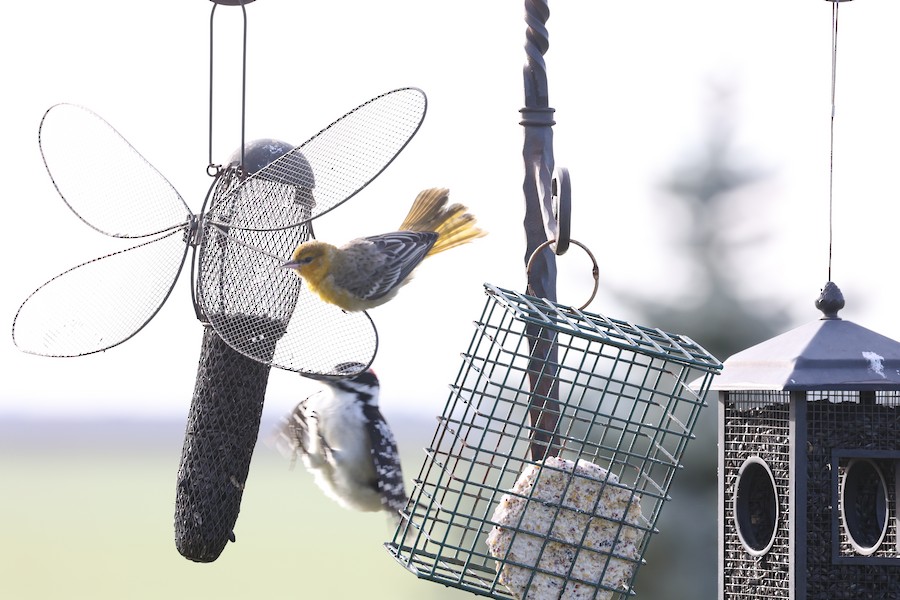
An out of range Bullocks Oriole uploaded from my Nov 15, 2023 eBird checklist.
I opened this image in a new tab by right clicking on it from my eBird checklist and selecting open in new tab. I then copied the URL, https://cdn.download.ams.birds.cornell. ... 373760/900 and pasted it into the message box. I then manually typed the BBCode for images, 'img' within square brackets in front of the url, and '/img' within square brackets at the end of the URL. The image was then viewable in the forums. Hopefully that will make uploading from eBird a little easier for those wishing to do so. The same method does not seem to work with the Macaulay URL for some reason.
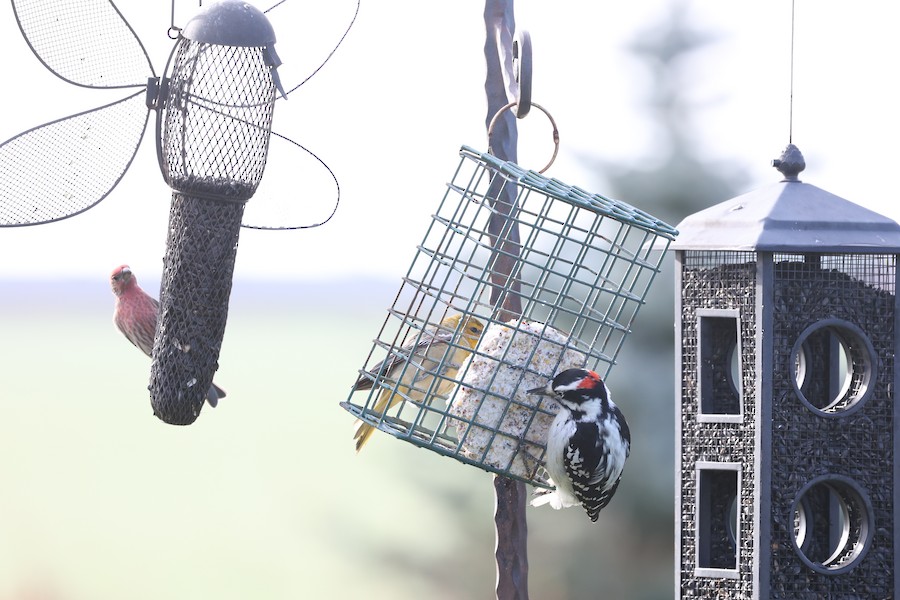
Hairy Woodpecker and House Finch sharing the feeders with the misplaced Bullocks Oriole from Nov 2023.
Uploaded from eBird checklist by opening the image in a new tab, copying and pasting the https://cdn.download.ams.birds.cornell. ... 373757/900 URL between the image BBCode, 'img' between square brackets at the front of the URL and '/img' between square brackets at the end of the URL.
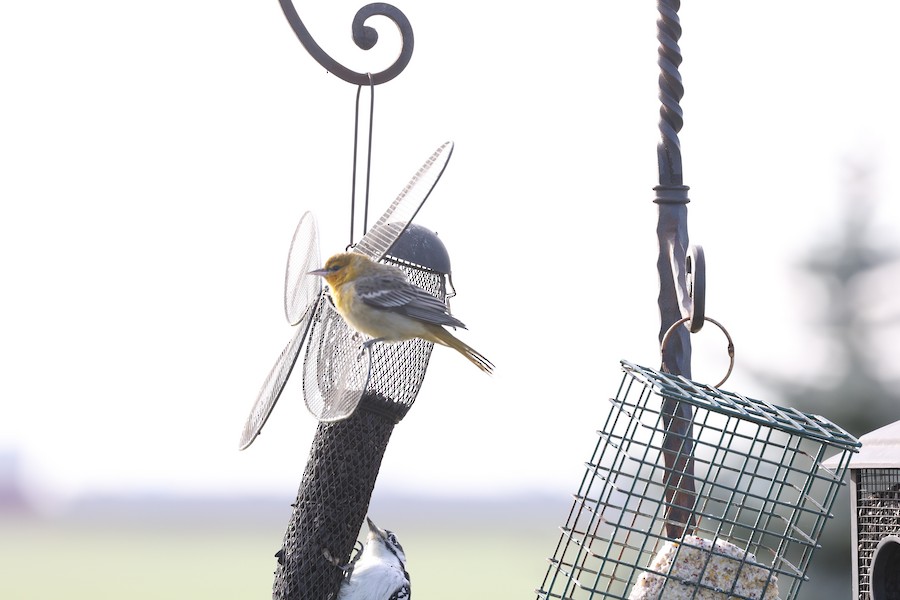
Using another Bullocks Oriole shot to experiment with uploading from eBird
Be careful when using the 'Insert Image' feature, if you try to paste between the square brackets that load in the message box, there's a good chance that one of the brackets will be deleted and ruin the BBCode formatting. I suggest using the spacebar to separate the brackets by 5 spaces before pasting the image or URL in the middle of the open space, the program removes any excess spaces as soon as you click paste so give yourself lots of room to avoid the hassle of clicking in tight spaces.
Below is what happens every time I try to paste where the cursor wants me to paste when I open the Insert Image feature located above the message box, without adding extra spaces first. Notice there are only 3 square brackets when there are supposed to be 4 in order for the BBCode to work.
[img]https://cdn.download.ams.birds.cornell. ... 55/900/img]
Glad you found your way here, TexasCobra. If you copy the BBCode from the Share options in Flickr and paste it into the message box, the image will load right in your message. Using the preview button can help verify whether the photo will show properly or not when you hit the submit button.